◎
DETECTIntelligent Movement Detection
Filters ordinary foreground activity and watches for sustained movement of the laptop or a major camera-view change.
Laptop Guard detects suspicious device movement, sounds an immediate alarm, records camera evidence, and securely uploads the incident so you can review it from another device.

The same status language used by the Windows app: clear, visible, and ready before you leave your desk.
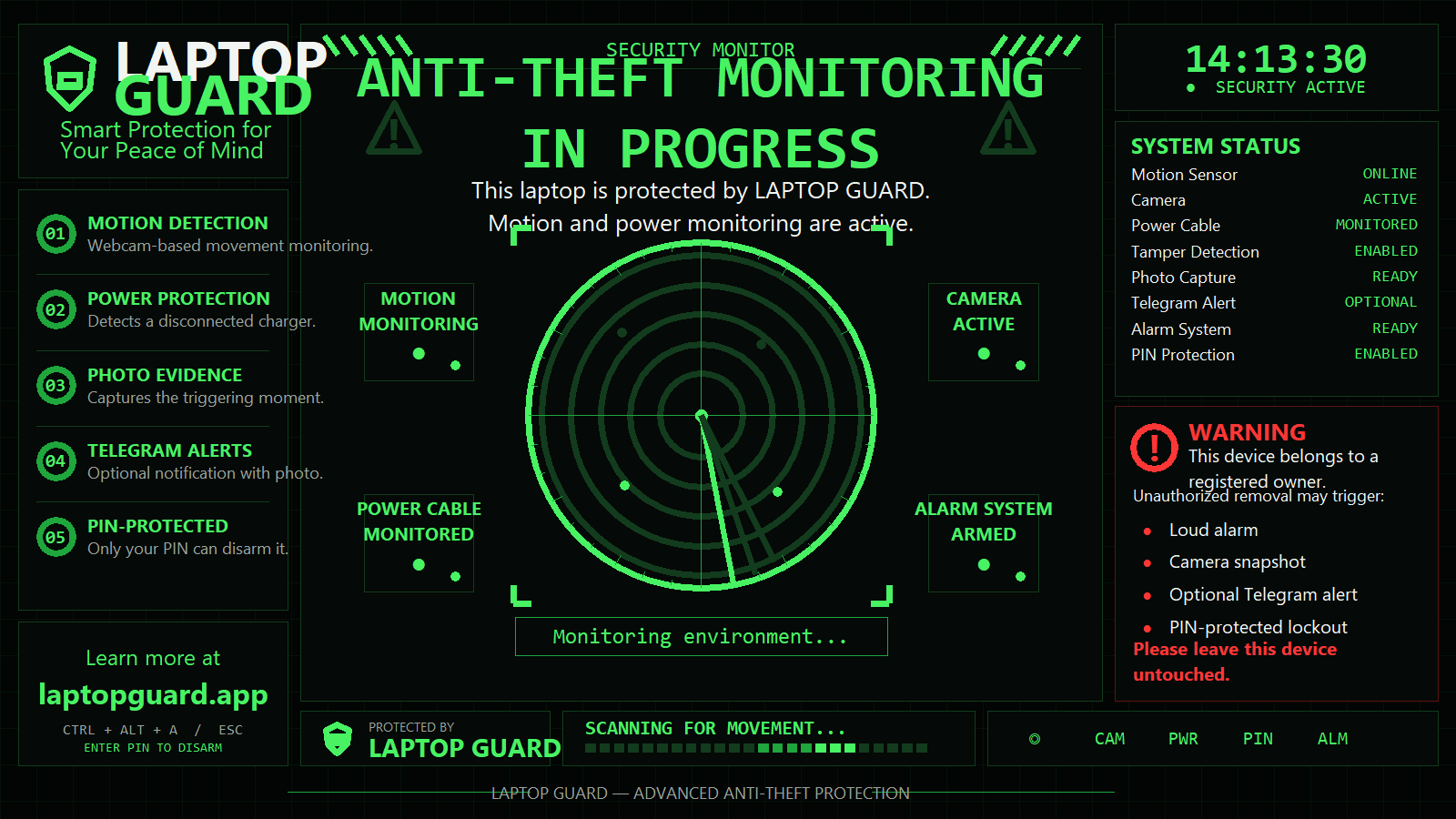
Set lid action to Do nothing, allow Windows location and camera permissions, then arm before stepping away.
The camera establishes a reference view and monitors for sustained, device-level movement.
A loud alarm and full-screen security warning draw immediate attention.
Laptop Guard records a short MP4 clip while the security event is happening.
The clip and approximate incident location are uploaded for review from another device.
Automatic incident video records what the camera can see.
Best-effort cloud upload protects evidence if the laptop is taken.
Use your license or private trial recovery code to access retained clips.
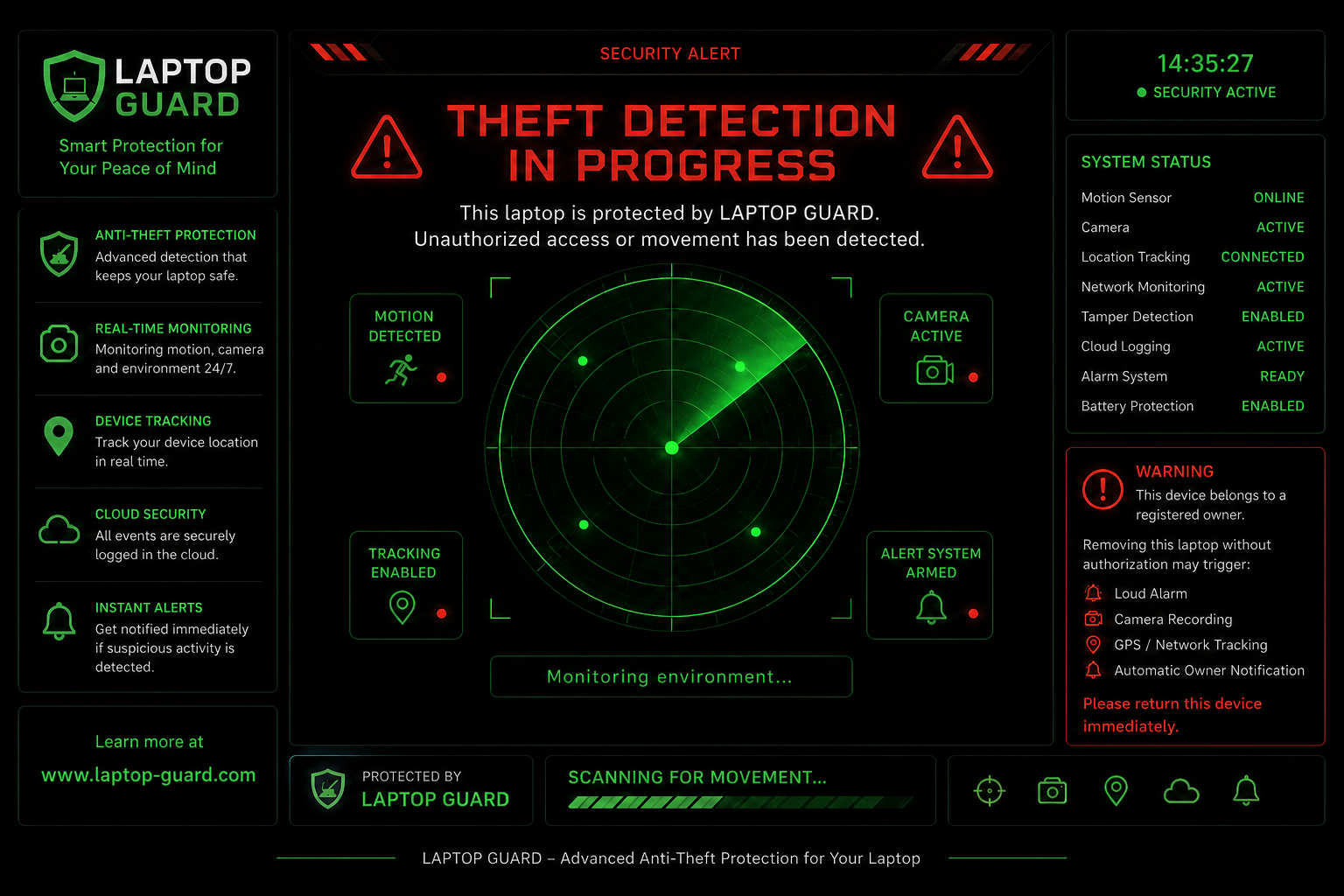
The alarm screen takes over while the app records evidence in the background. Laptop Guard is a preventive tool and cannot guarantee theft prevention or recovery.
Filters ordinary foreground activity and watches for sustained movement of the laptop or a major camera-view change.
Activates a looping alarm and highly visible full-screen warning when suspicious activity is detected.
Records a short camera MP4 during a triggered alarm and also provides a manual recording test.
Uploads the event clip and incident details so evidence is not limited to the laptop’s local storage.
Captures an approximate network-based location when an alarm fires. This is not continuous GPS tracking.
Requires your PIN to disarm. Repeated failed or timed-out PIN attempts can trigger the alarm.
Optionally sends the incident video and available map link to your private Telegram bot chat.
Shows Windows Defender health, can request a quick scan, and guides camera, location, and lid settings.
Try every feature free for 7 days. Your private recovery code lets you review retained cloud recordings from another device if the laptop is unavailable.
Pay once. Keep all current features after the trial—no monthly fee.
No. Install from Microsoft Store and use every feature for seven days. You only need a license after the trial ends.
No. It is a one-time payment for a lifetime license for one active device. You can deactivate an old device and move the license when needed.
We email your license key immediately after successful checkout. Open Laptop Guard, choose “Enter License Key,” and paste it.
Event clips are retained for a limited period. Licensed users use their license key, and trial users use the private recovery code shown when the trial starts.
Leave your email and we'll send a 10% discount code you can use once you're back at your computer.